cuabot
Sandboxed, co-op computer-use agents
pinned to #688f107updated 3 months ago
Ask your AI client: “install mcps/cuabot”.
Requires the metahub MCP server installed in your client. Set up MCP.
mh install mcps/cuabotmetahub onboarded this repo on the author's behalf.
If you own github.com/trycua/cua on GitHub, claim the listing to take over publishing. Your claim preserves the existing eval history and badges; only the curator label is replaced with verified-publisher on your next publish.
Stars
19,552
Last commit
3 months ago
Latest release
published
- #agent
- #ai-agent
- #apple
- #computer-use
- #computer-use-agent
- #containerization
- #cua
- #desktop-automation
- #hacktoberfest
- #lume
- #macos
- #manus
- #operator
- #swift
- #virtualization
- #virtualization-framework
- #windows
- #windows-sandbox
What this server exposes
Surfaces parsed from this server's source at publish time.
Launches: cuabot
Automated checks the publisher passed at publish time — structure, docs, safety, and whether the artifact behaves as claimed.688f107· 3 months ago
Behavioral checks haven't run yet: the sandbox couldn't execute this artifact (it may need credentials we don't provide, or an unsupported build). An environment limit, not a verdict.
Documentation
4 passed1 warningDescription qualitywarn
Only 4 words · 36 chars — more detail helps discovery
Tell consumers what this artifact does in a full sentence.
README is present and substantial
9,282 chars · 10 sections · 7 code blocks
Tags / topics declared
18 total — agent, ai-agent, apple, computer-use, computer-use-agent, containerization (+12)
README has usage / example sections
no labeled section but 7 code blocks document usage
Homepage / docs URL declared
https://cua.ai
Release history
1- releasecurrent688f107warn3 months ago
Contents
Co-op computer-use for any agent.
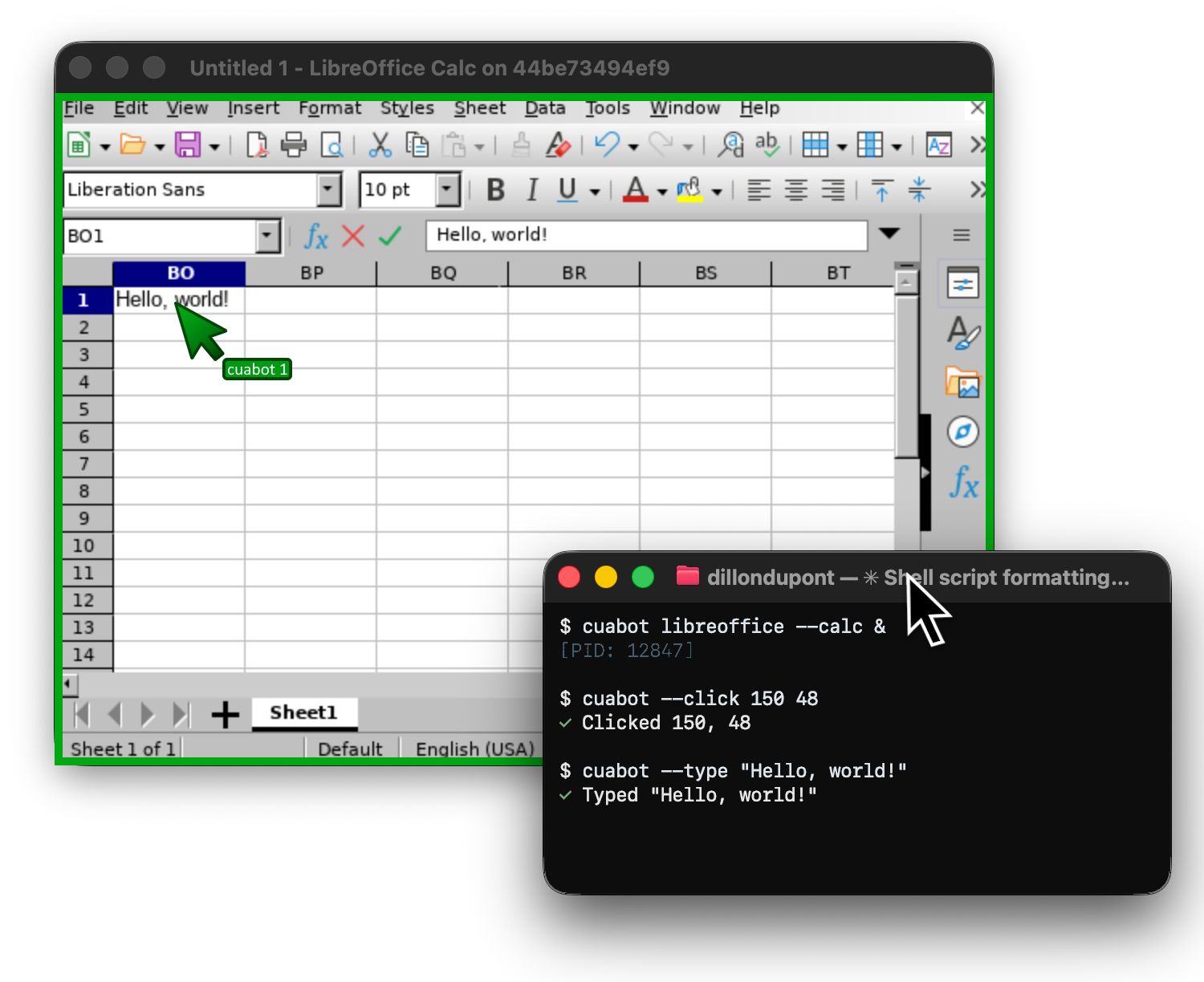
Multi-user computing sandbox that gives any coding agent (Claude Code, Gemini CLI, Codex, OpenClaw, Vibe) seamless computer-use capabilities.
Quick Start
npx cuabot
Usage
cuabot                     # Run default agent (or setup if not configured)
cuabot claude              # Run Claude Code in the sandbox
cuabot gemini              # Run Gemini CLI in the sandbox
cuabot codex               # Run Codex CLI in the sandbox
cuabot chromium            # Open sandboxed Chromium window

cuabot --screenshot        # Take screenshot
cuabot --type "hello"      # Type text
cuabot --click 100 200     # Click at coordinates
Requirements
Documentation
Reviews
No reviews yet. Be the first.
Related
@cline/cli
Autonomous coding agent CLI - capable of creating/editing files, running commands, using the browser, and more
Nanobot
A lightweight personal AI assistant framework
Hermes Agent
The self-improving AI agent — creates skills from experience, improves them during use, and runs anywhere
mh install mcps/cuabot